Loraverse Studio
Production begins before generation.
Build your world, direct performances and turn production decisions into generated footage.
The scene behind it
From script to scene.
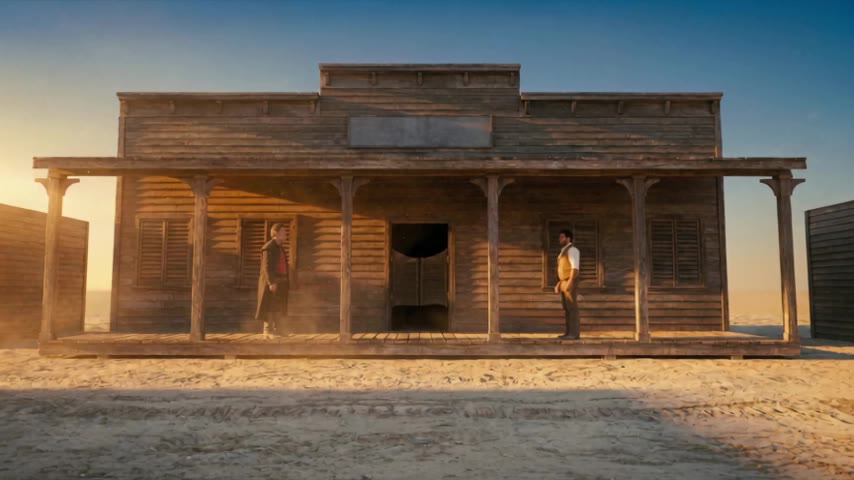
Start with the script. Set the cast, blocking and environment, then see how the staged scene translates into a generated frame.
The Saloon Porch · Sc. 06Staged
EXT. THE SALOON PORCH – PEAK GOLDEN HOUR
SILAS at the west end, the sun behind him, hands loose at his sides. COLE at the east end, the sun in his eyes, his right hand open beside his holster. The swing doors between them. Neither moves his feet.
COLE
Shouldn't have come back, Silas.
SILAS
Still fast, kid?
COLE
Fast enough.
Shot 1.1 · Wide, 28 mm, push in · the frame on the rightthe frame above
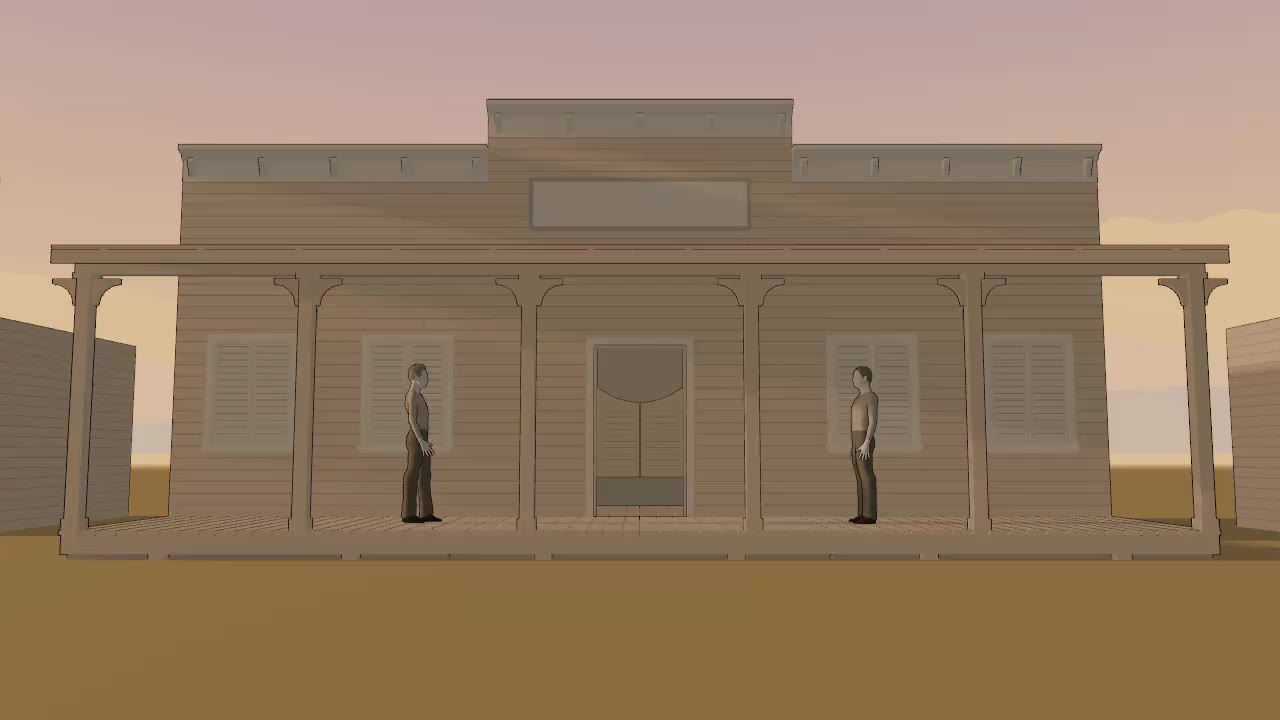 The scene in Studio
The directing choice
Direct the shot.
Frame the wide, move in for coverage, and keep the scene consistent across shots.
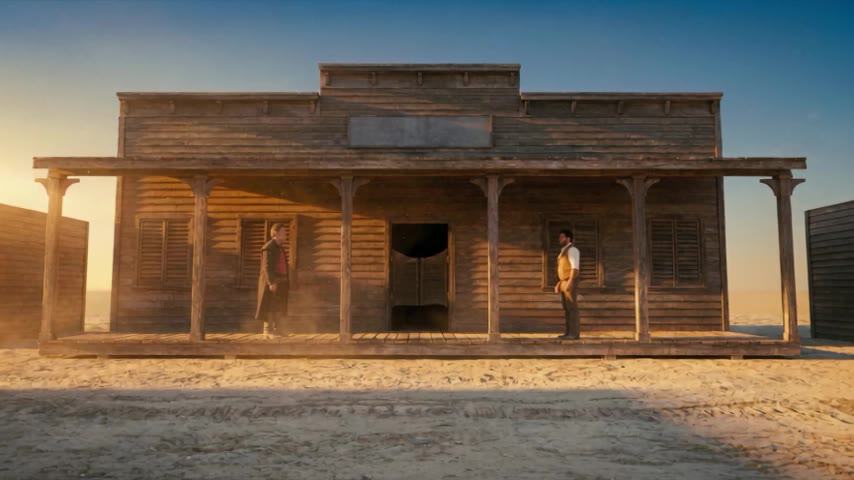
Three cameras on one beat.
Establish the distance between Silas and Cole across the porch.
Provenance
Every shot has a history.
Every take leaves with its production lineage and C2PA Content Credentials. Invisible watermarking will let a copy be traced back when the metadata is gone.
Production lineage
The source assets, shot decisions and generations behind each shot, linked in a private record.
Content Credentials
C2PA-signed creator attribution and declared terms travel with the export.
Invisible watermarking
An embedded signal helps trace copies back to their record when metadata is missing.
Studio access
Work with Studio.
Work with our team on an early Studio engagement for your production or workflow.